




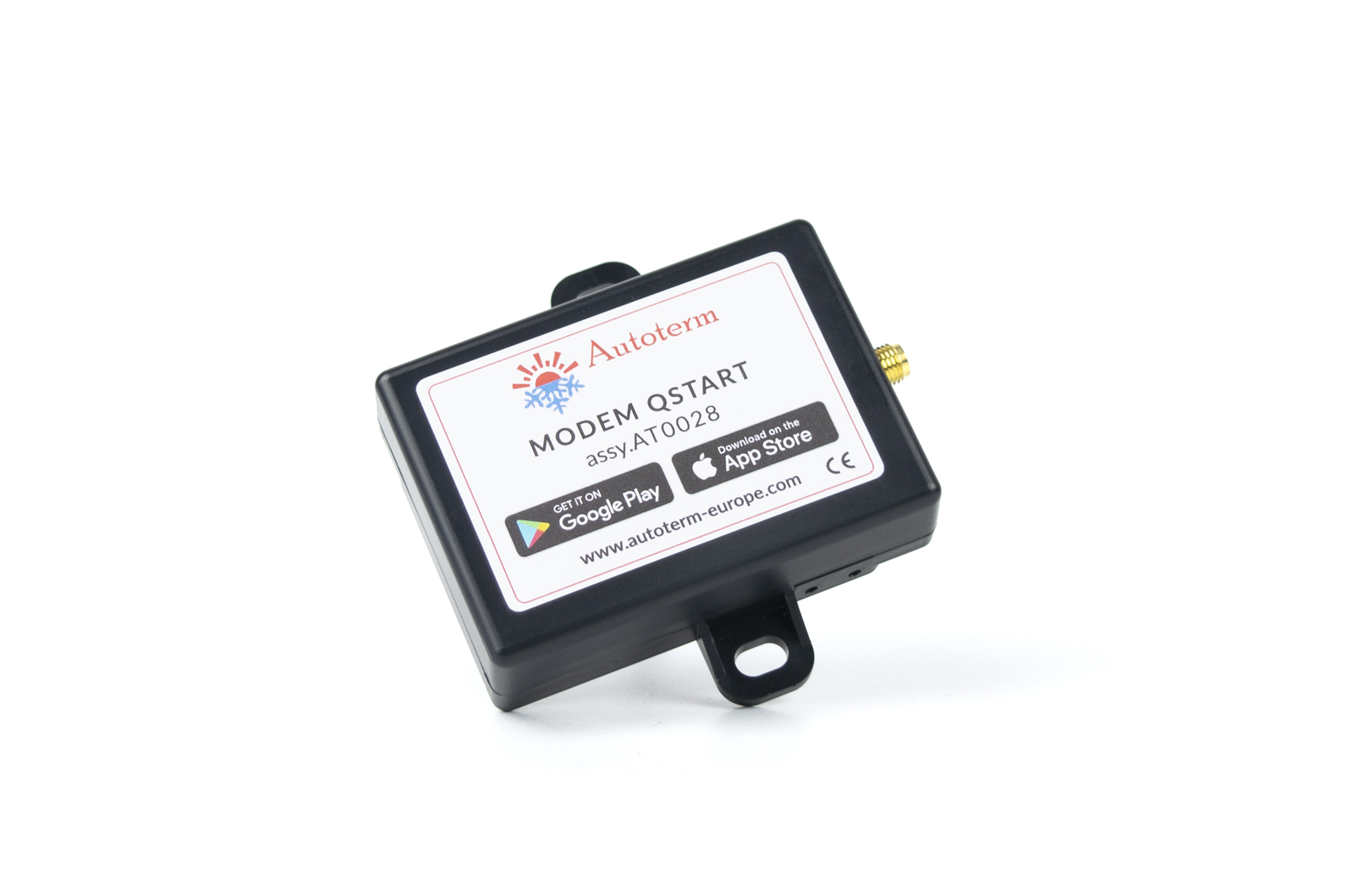
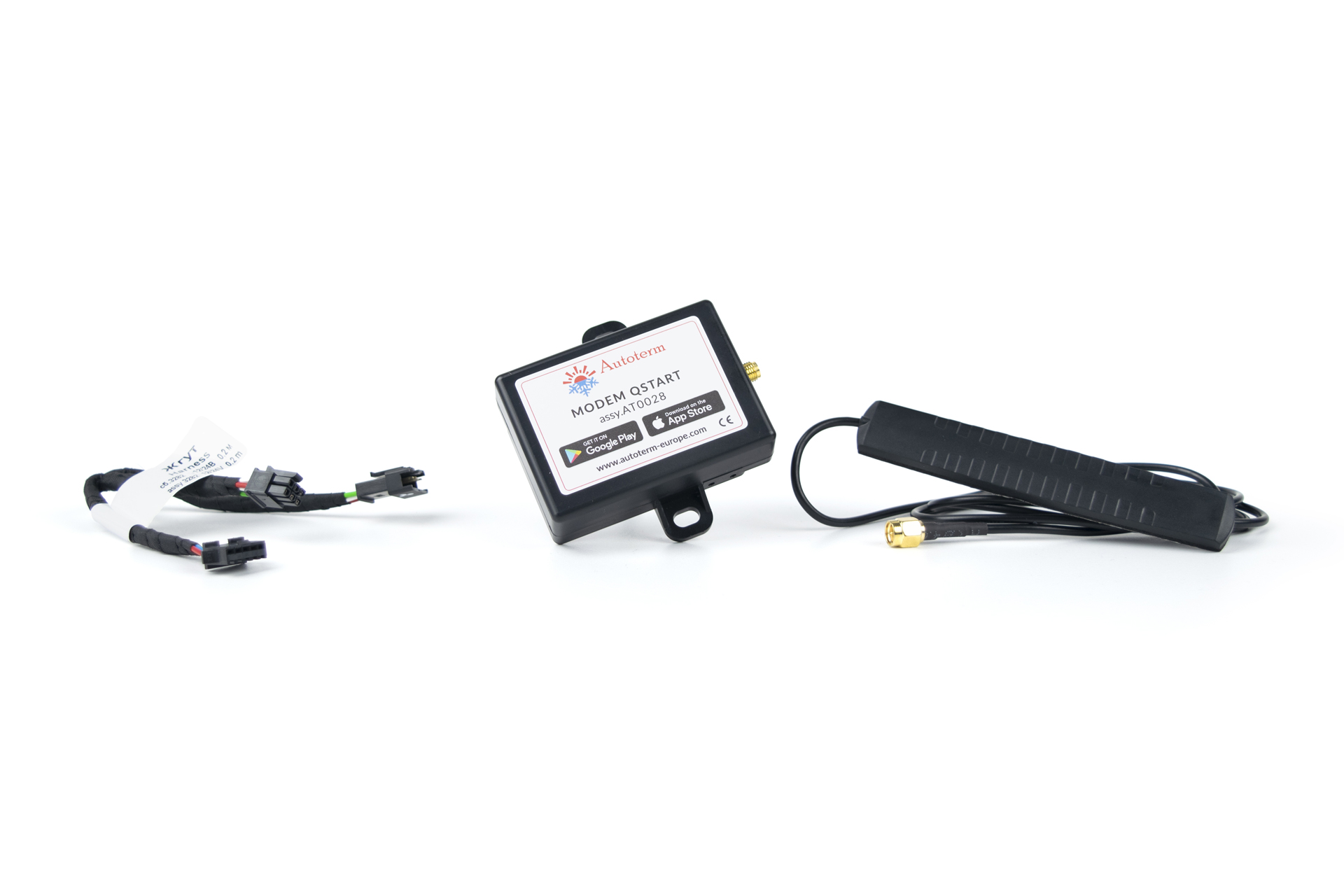
Modem QSTART is a device with the ability to use the Autoterm Control application on a smartphone (available at Google Play and AppStore) to control any AUTOTERM air heater and liquid heaters.
Application "Autoterm Control" together with modem QSTART will let you to operate and oversee your Autoterm heater via a 2G / 3G network.
Main advantages of "Autoterm Control" application:
* Modem QSTART uses a micro sim card slot
* Modem QSTART works with the following frequencies:
The product is no longer manufactured.
*** Please note, Modem QSTART will not work if the heater is equipped with a control panel PU-22.
For modem QSTART to work, the control panel of the heater must be changed to control panel PU-5; PU-27, or Comfort Control.
*** Please note, modem QSTART (AT0028) is compatible with the control panel Comfort Control only if the modem is equipped with software version 1.6 or newer.
Autoterm Control version: For Android 1.5.2 / For iOS 1.4.1
Modem Qstart is suitable following AUTOTERM air heaters:
*** Modem QSTART must be equipped with software version 1.6 or newer to work with control panel Comfort Control
Modem Qstart is suitable with the following AUTOTERM liquid heaters:
To connect the QSTART modem to the liquid heater Flow 14D, necessary additionally order the Modem harness-adapter assy.3814
*** Modem QSTART must be equipped with software version 1.6 or newer to work with control panel Comfort Control
Dimensions: 75 x 75 x 20 mm

 Quick start guide